AI image prompts: how to write a good request
A good prompt describes five things: subject, setting, light, style and framing. Here is the method and examples to copy.
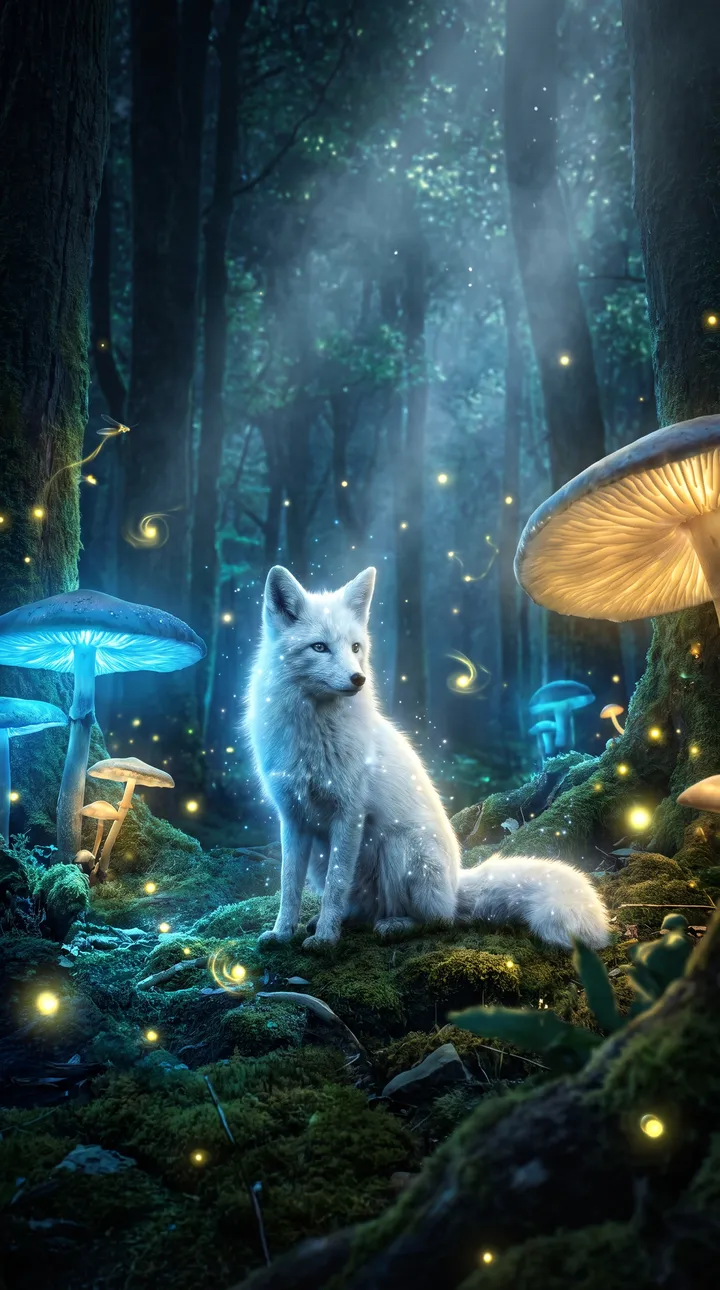
What you can create
- Subject: what you see first (a bottle, a fox, a person).
- Setting: where the scene happens (forest, kitchen, street at night).
- Light: morning, sunset, neon, studio light.
- Style and framing: realistic photo, illustration, 3D; close-up, top view, wide shot.
Examples of requests to copy
Write your request in plain language. Adapt these examples to your product:
A red fox sitting in a snowy forest at sunrise, realistic photo, close-up, golden light.
A steaming cup of coffee on a wooden table, top view, soft morning light, magazine style.
A futuristic city at dusk, wide shot, purple and orange neon, illustration style.
An astronaut sitting on the Moon looking at Earth, 3D render, calm mood.
How it works
- Open the AI Lab Studio and pick Image or Video.
- Add your photo if you have one, then describe the result you want in one sentence.
- Pick the format (square, 4:5 portrait, 9:16 story…), create, then download.
Tips for a better result
- Start with the subject, then add details one by one.
- Avoid contradictory requests (“minimalist and very busy”).
- If you do not like the result, change one element at a time.
Price
Creating requires an AI Lab plan, with no commitment: Creator €9.99/month (800 credits), Growth €19.99/month (2,500 credits), Studio €39.99/month (6,000 credits). Or the Launch kit at €6.99 once (350 credits). An image costs 5 credits; a video costs credits per second, and the cost is shown before each creation.
Frequently asked questions
Do I have to write in English?
No, the Studio understands French and English.
Can the Studio write text in the image?
No, images are created without text to avoid typos. Add your text afterwards in your editor.