AI YouTube thumbnail: a background image that stands out
A good thumbnail is a strong image and a short title. The Studio creates the 16:9 image; you add your text afterwards in your usual tool.
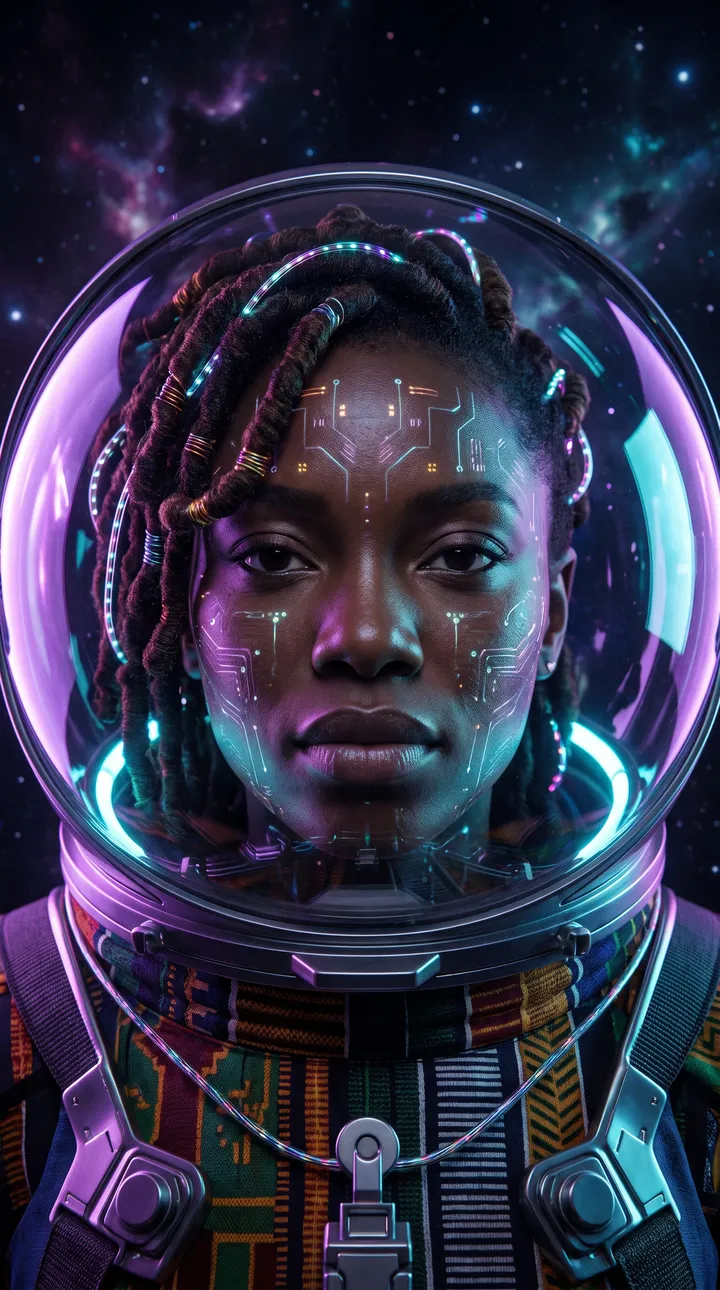
What you can create
- A spectacular scene illustrating the video topic.
- An expressive character or an object in close-up.
- A contrasted background that leaves room for the title.
- A series of thumbnails in the same style for your channel.
Examples of requests to copy
Write your request in plain language. Adapt these examples to your product:
An astronaut in front of a huge red planet, strong contrast, free space on the left for a title.
Close-up of an open laptop on a dark desk, purple neon light.
A steaming dish in close-up, black background, dramatic lighting.
A futuristic city at dusk, wide view, orange and purple sky.
How it works
- Open the AI Lab Studio and pick Image or Video.
- Add your photo if you have one, then describe the result you want in one sentence.
- Pick the format (square, 4:5 portrait, 9:16 story…), create, then download.
Tips for a better result
- The Studio does not write text in the image: ask for free space to add your title afterwards.
- One big, contrasted subject reads better small on a phone.
- The 16:9 landscape format is included from the Growth plan.
Price
Creating requires an AI Lab plan, with no commitment: Creator €9.99/month (800 credits), Growth €19.99/month (2,500 credits), Studio €39.99/month (6,000 credits). Or the Launch kit at €6.99 once (350 credits). An image costs 5 credits; a video costs credits per second, and the cost is shown before each creation.
Frequently asked questions
Can the AI write the title on the thumbnail?
No: images are created without text to avoid typos. Add your title in Canva, Photoshop or your video editor.
Which plan for 16:9?
Landscape is included from Growth; Creator offers square, portrait and vertical formats.