AI fashion photo: your clothes in context
A piece shot flat or on a hanger attracts less than a worn look. The Studio creates fashion visuals in context from your photo and your description.
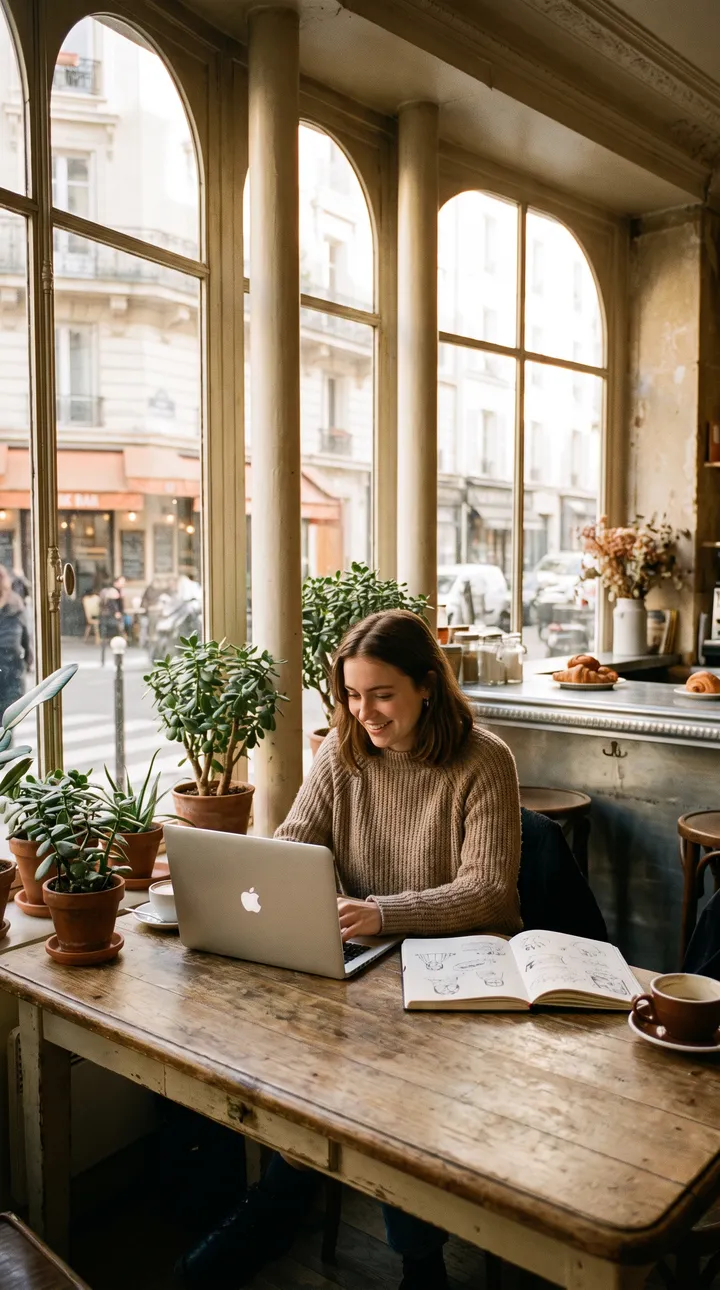
What you can create
- Your piece staged in a city, studio or nature setting.
- Collection visuals with the same mood across the range.
- Campaign images to launch a new collection.
- Vertical stories to present a new arrival.
Examples of requests to copy
Write your request in plain language. Adapt these examples to your product:
This sweatshirt laid flat: stage it on a wooden chair in a bright flat.
Autumn campaign visual: a person walks down a cobbled street, beige wool jacket, golden light.
Plain sand-coloured studio background, the dress on a rail, soft lighting.
Vertical story: the cap on a bench in a skatepark, end of the day.
How it works
- Open the AI Lab Studio and pick Image or Video.
- Add your photo if you have one, then describe the result you want in one sentence.
- Pick the format (square, 4:5 portrait, 9:16 story…), create, then download.
Tips for a better result
- To sell, also show a real photo of the piece: colour and fabric must be accurate.
- A shared mood across the collection gives your brand an identity.
- Never use a real person’s photo without their consent.
Price
Creating requires an AI Lab plan, with no commitment: Creator €9.99/month (800 credits), Growth €19.99/month (2,500 credits), Studio €39.99/month (6,000 credits). Or the Launch kit at €6.99 once (350 credits). An image costs 5 credits; a video costs credits per second, and the cost is shown before each creation.
Frequently asked questions
Can the AI put my exact garment on a model?
It can create a scene inspired by your piece, but details (pattern, cut) may vary. Check, and keep a real photo on your product page.
Which formats should I choose?
4:5 portrait for the Instagram feed, 9:16 for stories and TikTok, square for the shop.