AI jewellery photo: shop-window light without equipment
Jewellery is hard to photograph: small, shiny, full of reflections. The Studio places it in a polished setting with shop-window light.
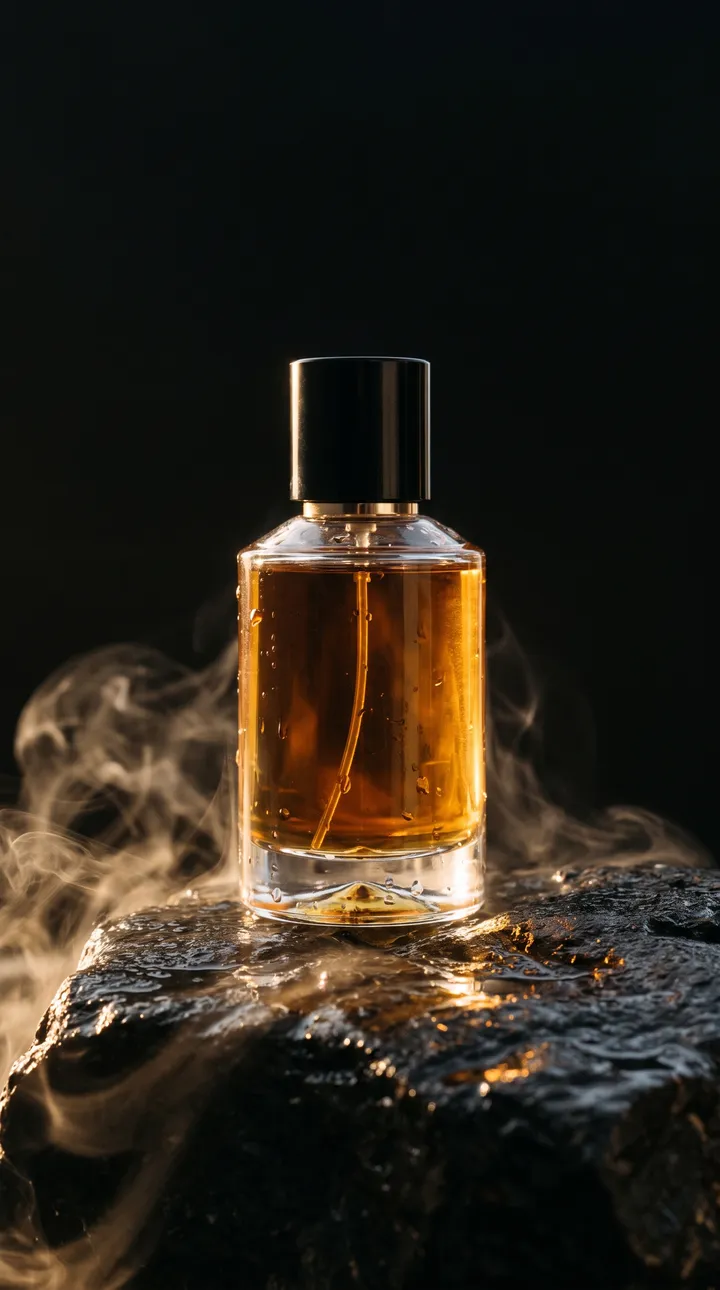
What you can create
- A ring on a velvet display or on a stone.
- A necklace on a linen or silk background.
- A range composition for a collection.
- Festive visuals for Christmas and Valentine’s Day.
Examples of requests to copy
Write your request in plain language. Adapt these examples to your product:
This ring on a navy velvet display, soft reflections, blurred background.
The necklace on a cream silk sheet, natural side light.
Earrings on a wet grey stone, small drops, fresh mood.
Valentine’s composition: the ring in a box, rose petals around.
How it works
- Open the AI Lab Studio and pick Image or Video.
- Add your photo if you have one, then describe the result you want in one sentence.
- Pick the format (square, 4:5 portrait, 9:16 story…), create, then download.
Tips for a better result
- Shoot the piece on a neutral background, sharp, with no reflection of your phone.
- Check that stones, metal and shape stay identical: a buyer must receive what they see.
- Keep real close-up photos on your product page.
Price
Creating requires an AI Lab plan, with no commitment: Creator €9.99/month (800 credits), Growth €19.99/month (2,500 credits), Studio €39.99/month (6,000 credits). Or the Launch kit at €6.99 once (350 credits). An image costs 5 credits; a video costs credits per second, and the cost is shown before each creation.
Frequently asked questions
Can the AI change the metal colour?
Yes, if you ask, but do not do it to sell a version that does not exist.
Which format for Etsy?
Square or 4:5 portrait works well; check the platform’s recommendations.