AI professional profile photo, from your own picture
No need for a photographer for a clean LinkedIn photo: send a well-lit selfie, pick a background and a light, the AI does the rest.
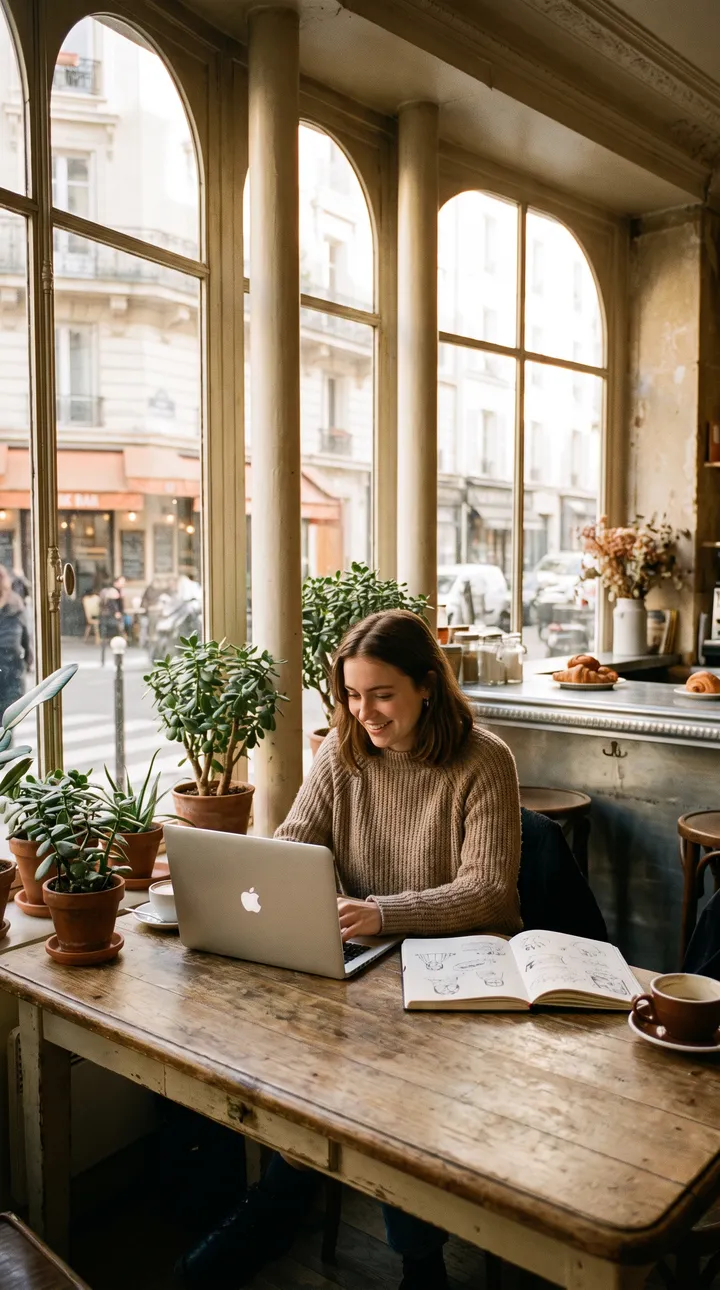
What you can create
- A headshot on a blurred office background for LinkedIn.
- A plain background for a CV or a team page.
- Soft studio light on a phone selfie.
- Several variants to pick the one that looks most like you.
Examples of requests to copy
Write your request in plain language. Adapt these examples to your product:
Keep my face, blurred modern office background, soft frontal light, light shirt.
Headshot on a plain grey background, studio lighting, shoulders framing.
Same photo, blurred city background at the end of the day.
Warm portrait in a bright coworking space, natural smile.
How it works
- Open the AI Lab Studio and pick Image or Video.
- Add your photo if you have one, then describe the result you want in one sentence.
- Pick the format (square, 4:5 portrait, 9:16 story…), create, then download.
Tips for a better result
- Start from a sharp, front-facing, well-lit photo: the face will be more faithful.
- Pick the variant that really looks like you: your portrait must stay recognisable in meetings.
- Only use your own photo, or that of someone who gave consent.
Price
Creating requires an AI Lab plan, with no commitment: Creator €9.99/month (800 credits), Growth €19.99/month (2,500 credits), Studio €39.99/month (6,000 credits). Or the Launch kit at €6.99 once (350 credits). An image costs 5 credits; a video costs credits per second, and the cost is shown before each creation.
Frequently asked questions
Will the face be exactly mine?
The AI tries to keep it, but small features may change. Keep only a faithful image.
Can I do my team’s portraits?
Yes, with each person’s consent, keeping the same background for a consistent team page.